The best support ticket is the one that never gets created. A well-built knowledge base deflects 30-50% of common questions.
Step 1: Plan Your Categories
Decide on 4-6 categories based on how customers look for help:
- Getting Started
- Account & Billing
- Troubleshooting
- API & Developers
In cStar, go to Settings > Article Categories to create them.
Step 2: Write Your First Articles
Head to Library and click + to create an article.
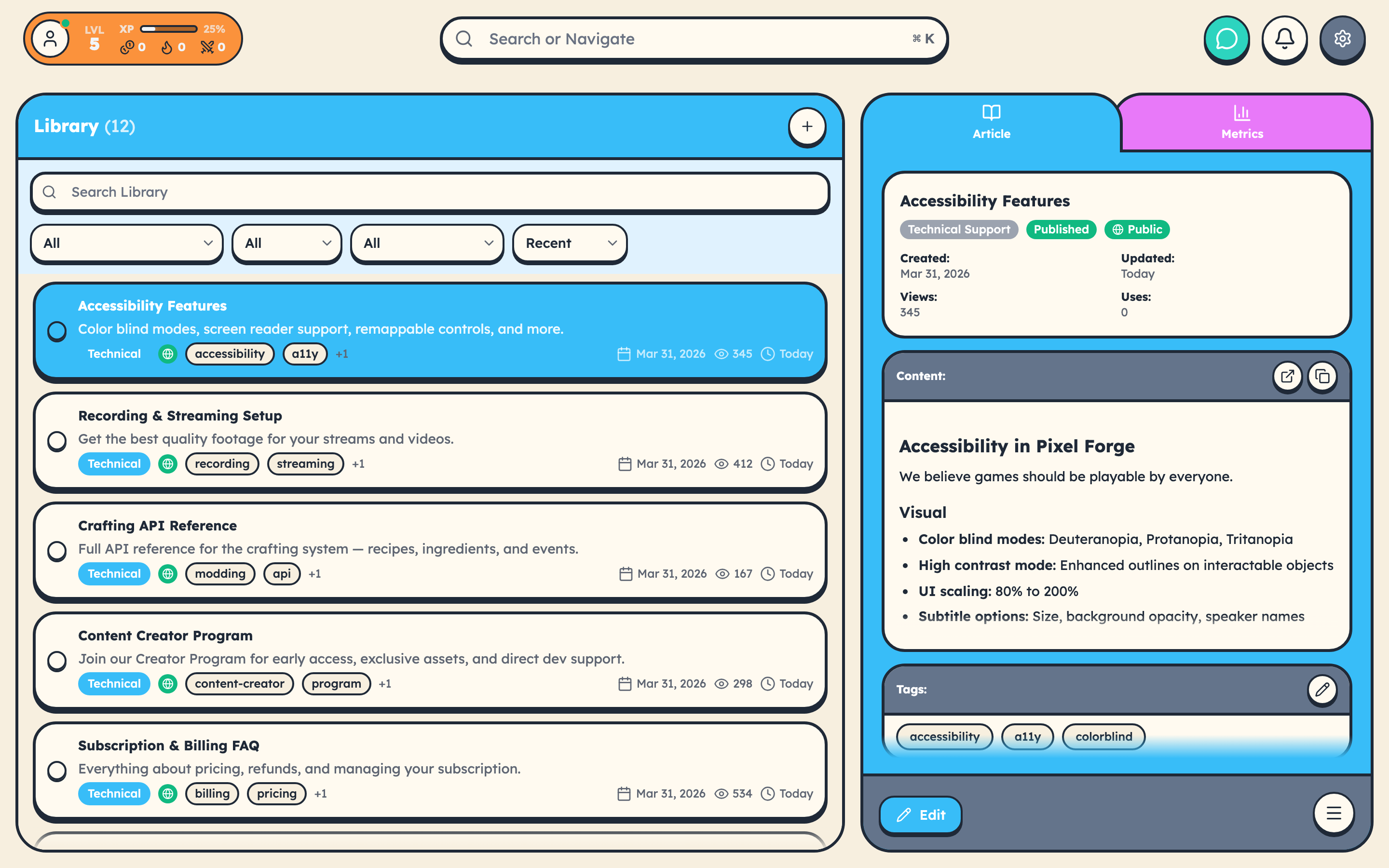
Tips for great articles:
- Lead with the solution. Don't make customers read 3 paragraphs before the answer.
- Use screenshots. A picture is worth a thousand support tickets.
- Keep it scannable. Headers, bullet points, short paragraphs.
- Include exact steps. "Go to Settings" is worse than "Go to Settings > Account > Subscription > Click Cancel."
Step 3: Publish and Go Public
Set Status to "Published" and toggle "Public" to make articles visible in your public library.
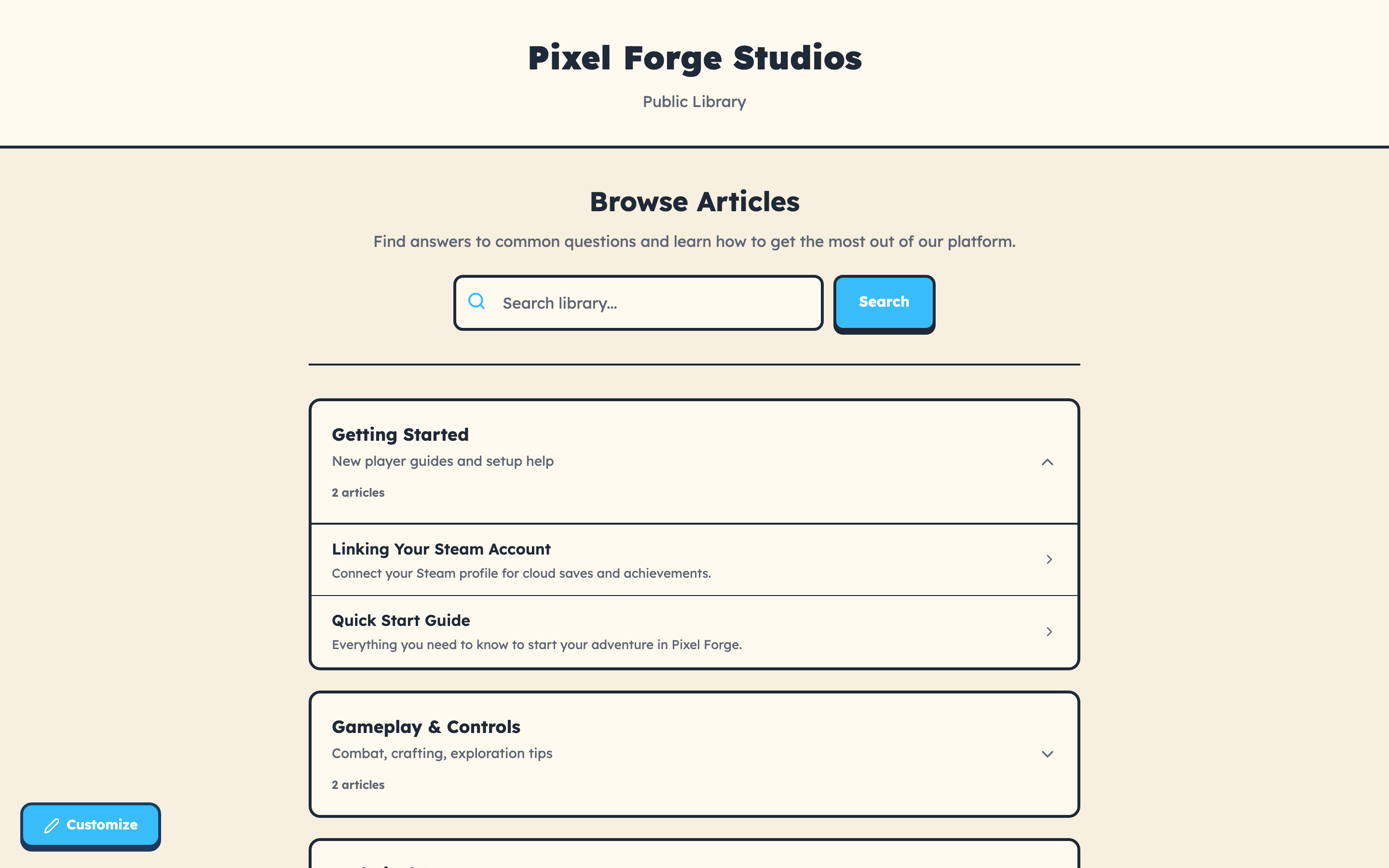
Step 4: Share Your Library
Your public knowledge base lives at:
https://www.cstar.help/library/your-team-slug
Step 5: Embed Widgets on Your Site
<div data-cstar-library-search></div>
<script src="https://www.cstar.help/library/embed.js?team=YOUR_TEAM_ID&slug=your-team"></script>
Measuring Impact
Check Library metrics for view counts, use counts (deflection tracking), and article feedback scores.
Articles with high views but low helpfulness need rewriting. Articles with high use counts are your MVPs.